By using this site, you agree to the Privacy Policy and Terms of Use.
Accept
GCamLab
  • Home
  • GCam APK
  • GCam Ports
  • Config Files
  • Tutorials
  • Devices
  • More
    • Troubleshooting
    • News
    • GCam Guides
    • About Us
    • Blog
    • Contact
    • Privacy Policy
    • Disclaimer
    • DMCA / Copyright Policy
    • External Download Sources Policy
    • Terms & Conditions
Reading: How to Choose the Right GCam Port for Your Android Device: A Research-Based Guide (2025)
Share
Explore
GCamLabGCamLab
Font ResizerAa
  • About Us
  • Contact
  • GCam Guides
Search
  • Config Files
  • Devices
  • GCam APK
  • GCam Ports
  • News
  • Troubleshooting
  • Tutorials
Follow US
© 2025 – All rights reserved.
GCam Ports

How to Choose the Right GCam Port for Your Android Device: A Research-Based Guide (2025)

GcamLab
By GcamLab
Last updated: 30/11/2025
2 Min Read
How to Choose the Right GCam Port for Your Android Device: A Research-Based Guide (2025)
SHARE

How to Choose the Right GCam Port for Your Android Device (2025 Guide)

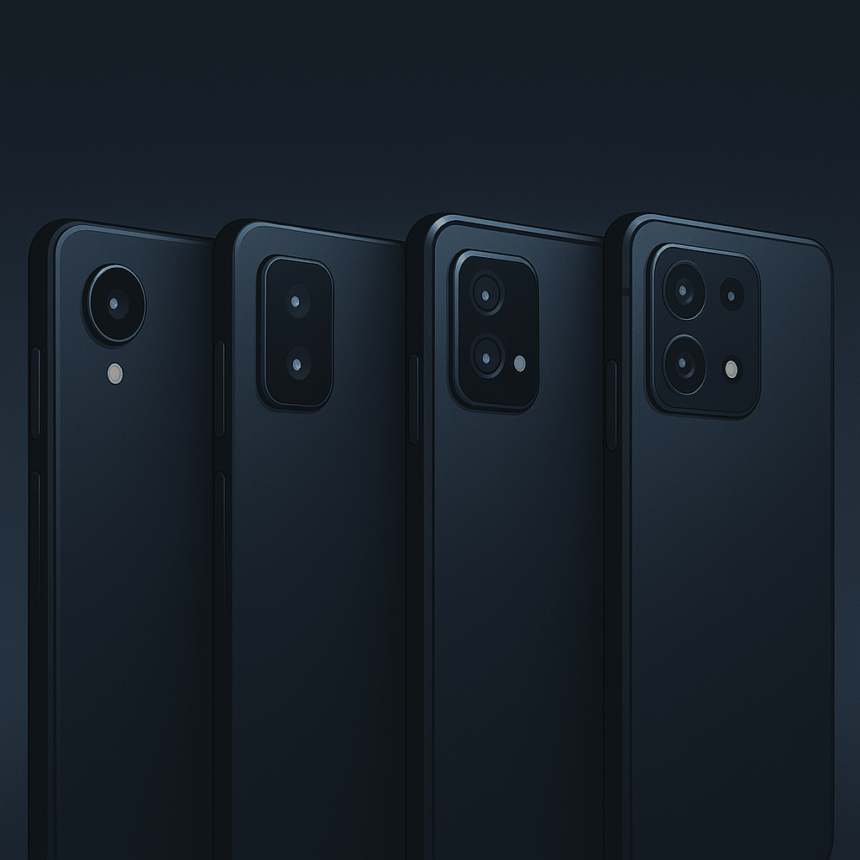
Choosing the right GCam port is the most important part of getting great performance. Because every developer builds their ports differently, and every smartphone sensor behaves uniquely, selecting the wrong port can lead to crashes, poor image quality or missing features.

Contents
How to Choose the Right GCam Port for Your Android Device (2025 Guide)1. Understand Your Phone’s Sensor and Processor2. Match the Port Developer to Your Device Type3. Test More Than One Port4. Look for Consistent Lens Switching5. Choose Ports That Support XML Tuning6. Stability Should Be Prioritized Over FeaturesConclusion

This guide explains how users should evaluate ports, what factors matter the most, and how to match a GCam build to your exact phone.


1. Understand Your Phone’s Sensor and Processor

Before selecting a port, identify:

  • Your device’s camera sensor
  • Processor (Snapdragon, Exynos, MediaTek)
  • Android version
  • Camera2 API level

Snapdragon devices typically offer the best compatibility because GCam was originally optimized for Pixel devices, which also use Snapdragon ISPs.


2. Match the Port Developer to Your Device Type

Different developers specialize in different hardware:

  • Stable and simple tuning → balanced ports
  • Latest features → modern/experimental ports
  • Deep customization → advanced tuning ports

Choosing based on your device type saves time and reduces compatibility issues.


3. Test More Than One Port

No single port works perfectly for all devices.
Most users test 2–3 ports before deciding.

This is normal in the GCam community — device variations greatly affect performance.


4. Look for Consistent Lens Switching

Multi-lens support is critical for:

  • Ultrawide
  • Macro
  • Telephoto

A port that handles auxiliary lenses correctly is usually the better choice.


5. Choose Ports That Support XML Tuning

XML files improve:

  • Noise handling
  • Skin tones
  • Dynamic range
  • Lens mapping
  • White balance accuracy

Ports with strong XML support are often more flexible.


6. Stability Should Be Prioritized Over Features

A stable port that works consistently is more valuable than an experimental build with more features but frequent crashes.


Conclusion

You don’t pick the “best GCam port” generically — you pick the one that best matches your device’s sensor, processor and camera API. This guide provides a practical approach to identifying that perfect match.
Share This Article
Facebook Copy Link Print
Previous Article GCam vs Stock Camera: Why Google Camera Produces Better Photos on Most Android Devices (2025 Analysis) GCam vs Stock Camera: Why Google Camera Produces Better Photos on Most Android Devices (2025 Analysis)
Next Article Do You Really Need a GCam XML Config? (2025 Guide) Do You Really Need a GCam XML Config? (2025 Guide)
Leave a Comment

Leave a Reply Cancel reply

Your email address will not be published. Required fields are marked *

FacebookLike
XFollow
PinterestPin

Find the Best GCam Version for Your Device

Discover the most stable GCam ports, recommended configs, and verified external sources tailored for your Android device. Get clearer, sharper and more detailed photos instantly.

Check Device Compatibility
Most Popular
How to Install Google Camera (GCam) on Any Android Phone
17/12/2025
The Evolution of GCam in 2026: AI Pipelines, Sensor Trends, Community Calibration, and the Next Stage of Computational Photography
02/12/2025
Oppo N3
The Future of GCam in 2025: Trends, Computational Photography Advances, Device Support, and What Users Should Expect Next
30/11/2025
Best GCam for Samsung Galaxy S21: Performance Guide (2025)
30/11/2025
Why GCam Uses Too Much Storage and How to Reduce It (2025 Guide)
30/11/2025

You Might Also Like

Best GCam Ports: A Complete Guide to Choosing the Right Version (2025)
GCam Ports

Best GCam Ports: A Complete Guide to Choosing the Right Version (2025)

8 Min Read
GCamLab Logo

GCamLab is a trusted resource for GCam APK information, device compatibility guides, safe external sources, tutorials, and troubleshooting tips.

We do not host any APK files — all downloads refer to verified third-party developer websites.

Quick Links

  • About Us
  • Contact
  • Blog
  • GCam APK
  • News

Legal

  • Privacy Policy
  • Disclaimer
  • DMCA / Copyright Policy
  • External Download Sources Policy
  • Terms & Conditions

© 2025 – All rights reserved.

Independent informational website. Not affiliated with Google LLC or GCam developers.
Welcome Back!

Sign in to your account

Username or Email Address
Password

Lost your password?